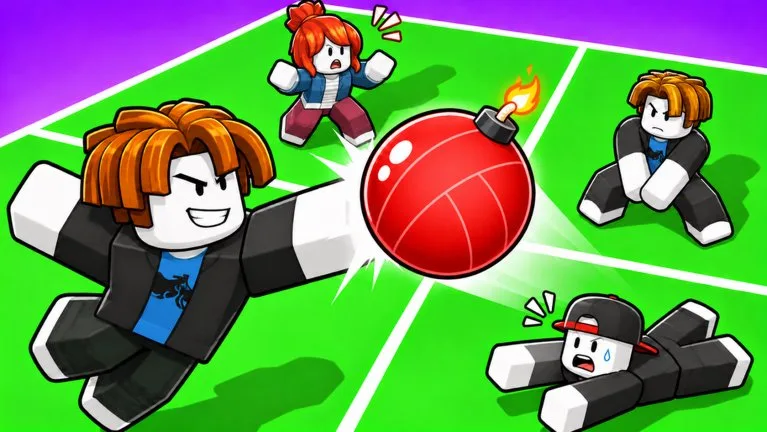
What you are trying to do
The official description is short. Bump or spike the ball toward other players. The ball explodes when it touches the ground. If it is falling in your square, dive to save it. Servers hold 14 players. The page does not describe a net, a set button, or a separate block button, so do not import those inputs from another volleyball game.
Controls
| Action | PC | Mobile | Controller |
|---|---|---|---|
| Bump | Left mouse button | Tap the hit button or the screen | R2 |
| Spike | Jump, then left mouse button | Jump, then the hit button | Jump, then R2 |
| Dive | E | Dive button | R1 |
| Ability | R | Ability button | L2 |
You equip one ability before the round. If you have not bought one, ignore R until the ability guide. Pressing R by accident is a common way to miss the dive key that sits next to it.
First round
- Join from the official page and check that the creator is is peaaaaak.
- Turn on Shift Lock. The description prints USE SHIFT LOCK. Shop guides also say ability aim follows the camera, so the same setting helps later Magnet pulls.
- Stand in your square and watch where the ball is going to land. Walk under it when you still have time.
- Bump with the attack button while you are on the ground. Spike only after you jump.
- Dive when the landing spot is outside a normal step. A dive you use early leaves the square empty for the next touch.
- Send the ball toward a player, not into an empty gap, when you have a clean hit.
After the round
Coins from rounds are the shop currency in the ability guides. Do not hunt a code. The code page explains why there is nowhere to paste one. When you can save balls that are slightly out of reach, open the ability buy order before you look at Guardian.
What to ignore
Guides that tell you to set for a teammate, block at a net, or win a 2v2 with a switch call are describing a different volleyball layout. Volley Bomb's own text is about your square and a ground explosion. Bomb Volley and Volleyball Legends are different games.